
HP Color LaserJet Pro MFP 479fdw Printer
HP Color LaserJet Pro MFP 479fdw Printer
The HP Color LaserJet Pro MFP M479fdw is designed to let you focus your time when it’s most needed
- Enhanced workflow
- Dual band Wi-Fi
- Enhanced security
- Bluetooth Low Energy
- Energy efficient
- Compact design and footprint
- up to 28ppm
KSh 108,000
Out of stock

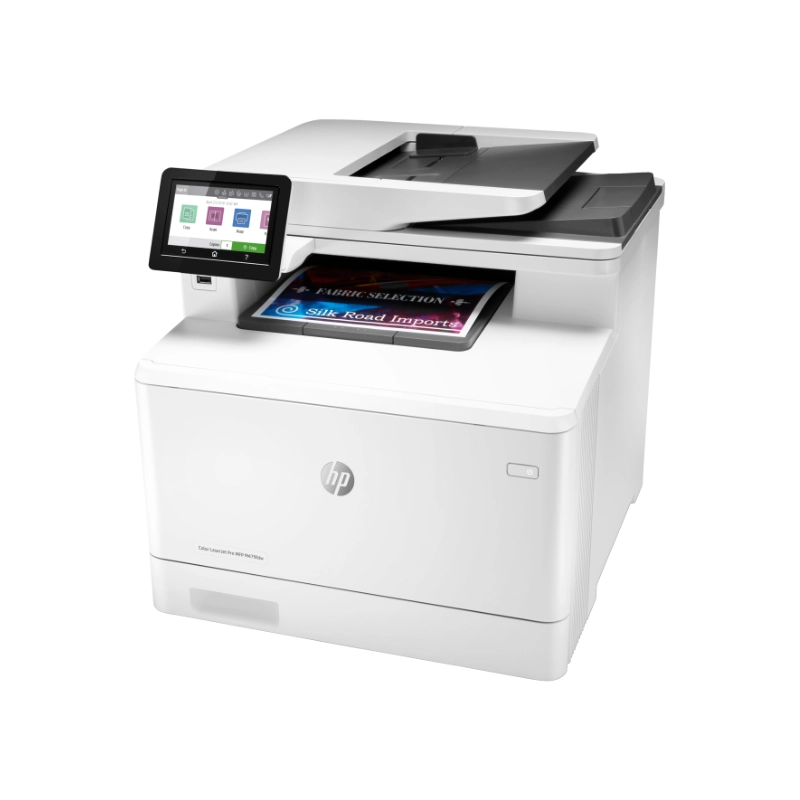
HP Color LaserJet Pro MFP 479fdw Printer feature specifications
Built to keep you and your business moving forward
Scan files directly to Microsoft SharePoint, email, USB, and network folders. Help save time by automating all the steps in a complicated workflow and apply saved settings. Print wirelessly with or without the network, stay connected with dual band Wi-Fi and Wi-Fi direct. Print effortlessly from any device, virtually anywhere, to any HP printer—securely through the cloud.
Best-in-class security detect and stop attacks
A suite of embedded security features help protect your MFP from being an entry point for attacks. Help ensure security of confidential information with optional PIN/Pull printing to retrieve print jobs. Optional HP JetAdvantage Security Manager lets you set configuration to thwart potential attacks and take immediate action with instant notification of security issues.
Simply designed to ease your day
Set up this MFP fast, and easily manage device settings to help increase overall printing efficiency. Tackle tasks quickly and easily—with the simple 4.3” (10.9cm) color touchscreen. Print Microsoft® office formatted files in addition to PDFs right off your USB drive. Avoid interruptions with an HP LaserJet MFP designed to be streamlined for maximum productivity.
Sustainability is smart business
Avoid frustrating reprints, wasted supplies, and service calls using Original HP toner cartridges. Help save paper right out of the box. The duplex print setting is set at default paper savings mode. Saves up to 18% energy over prior products. Help save energy with HP Auto-on/Auto-off technology.
Note: This printer is intended to work only with cartridges that have a new or reused HP chip, and it uses dynamic security measures to block cartridges using a non-HP chip. Periodic firmware updates will maintain the effectiveness of these measures and block cartridges that previously worked. A reused HP chip enables the use of reused, remanufactured, and refilled cartridges.
Additional information
| Functions | Print, copy, scan, fax, email |
|---|---|
Print Speed – Black (normal): Up to 28 ppm | |
| Display | 4.3 inch intuitive touchscreen Color Graphic Display (CGD) |
| Number of print cartridges | 4 (black, cyan, magenta, yellow) |
| Operating systems | Windows 11; Windows 10; Windows 8; Windows 8.1; Windows 7; Windows Client OS; Android; iOS; Mobile OS; macOS 10.12 Sierra; macOS 10.13 High Sierra; macOS 10.14 Mojave |
| Paper handling | Input, standard: 50-sheet multipurpose tray, 250-sheet input tray, 50-sheet Automatic Document Feeder (ADF) |
| Power | 110-volt input voltage: 110 to 127 VAC (+/- 10%), 60 Hz (+/- 3 Hz); 220-volt input voltage: 220 to 240 VAC (+/- 10%), 50/60 Hz (+/- 3 Hz) |
Countrywide Delivery
Same-day Delivery
Warranty Protection
Shopping Assistance
Popular Products
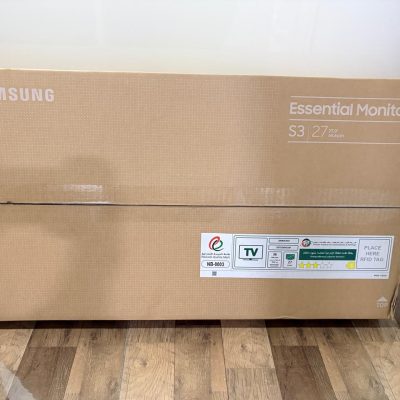
Samsung 27 Inch FHD S3 Essential Monitor S30GD
Original price was: KSh 22,500.KSh 19,000Current price is: KSh 19,000.
WD BLACK SN7100 NVMe SSD 1TB, 2TB, 4TB
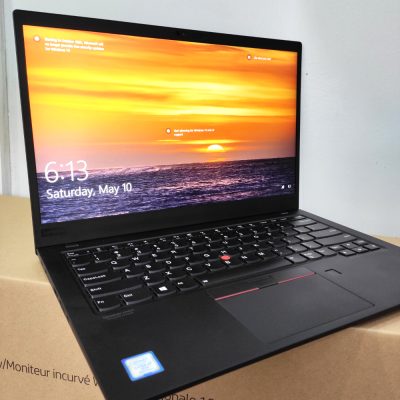
Price range: KSh 27,000 through KSh 69,000This product has multiple variants. The options may be chosen on the product pageLenovo ThinkPad X1 Carbon Intel Core i7 8th Gen 16GB RAM 512GB SSD 14 Inch Touchscreen Laptop
Original price was: KSh 45,000.KSh 42,000Current price is: KSh 42,000.HP EliteBook 1040 G7 Intel Core i7 10th Gen 16GB RAM 512GB SSD 14 Inch FHD Touch Laptop
Original price was: KSh 57,000.KSh 52,000Current price is: KSh 52,000.





Reviews